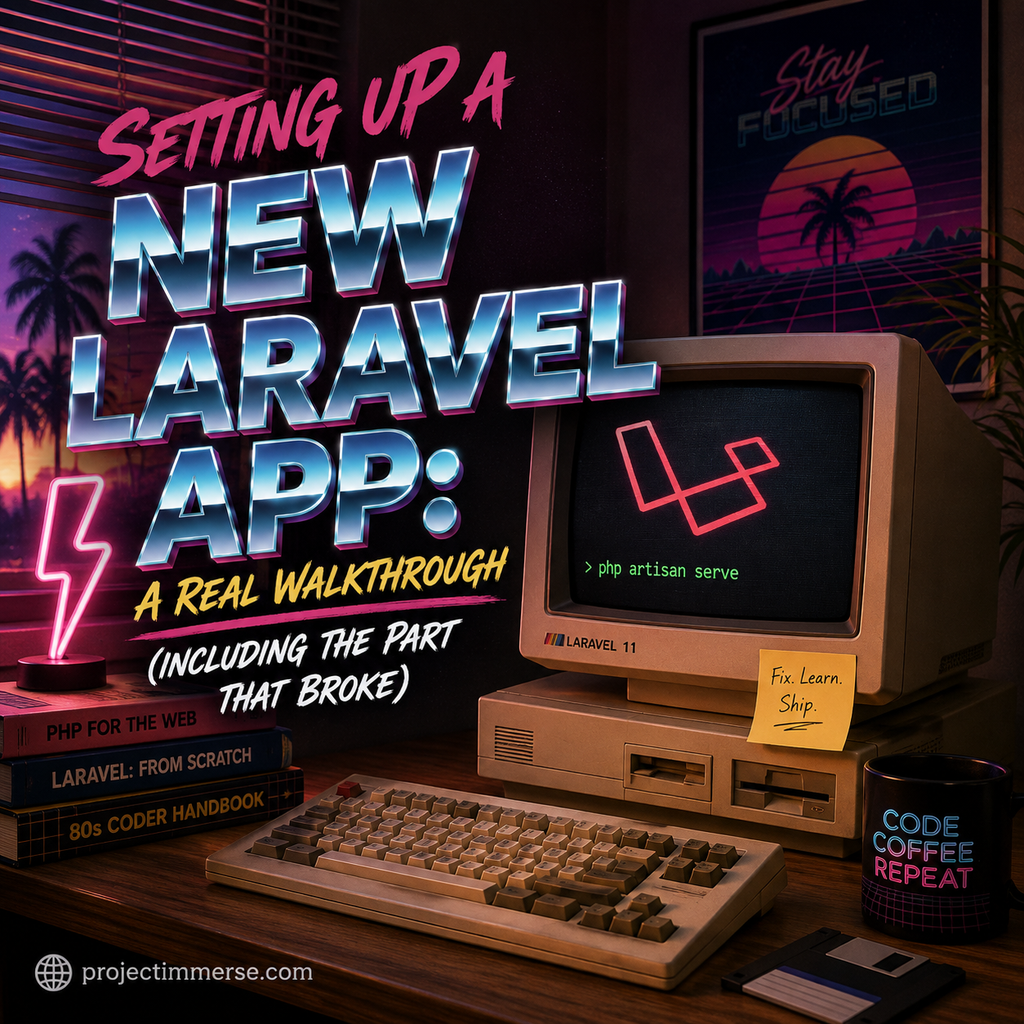
Every Laravel tutorial makes setup look like a single copy-paste command and then, poof, you’re building an app. In practice, it’s usually one command plus one confusing red X you have to Google. Here’s exactly what happened when I set up a fresh Laravel project on my Mac, from having zero PHP tooling installed to actually running the dev server — including the one step that failed and what it turned out to mean.
I was following along with the official Learn Laravel from Scratch [FULL BOOTCAMP COURSE] on YouTube, which walks through building a full-stack app from a completely empty machine. It’s a solid starting point if you want to follow the exact same steps — just know that the setup section is where things can get a little bumpy depending on what’s already on your computer.
Continue reading “Setting Up a New Laravel App: A Real Walkthrough (Including the Part That Broke)”