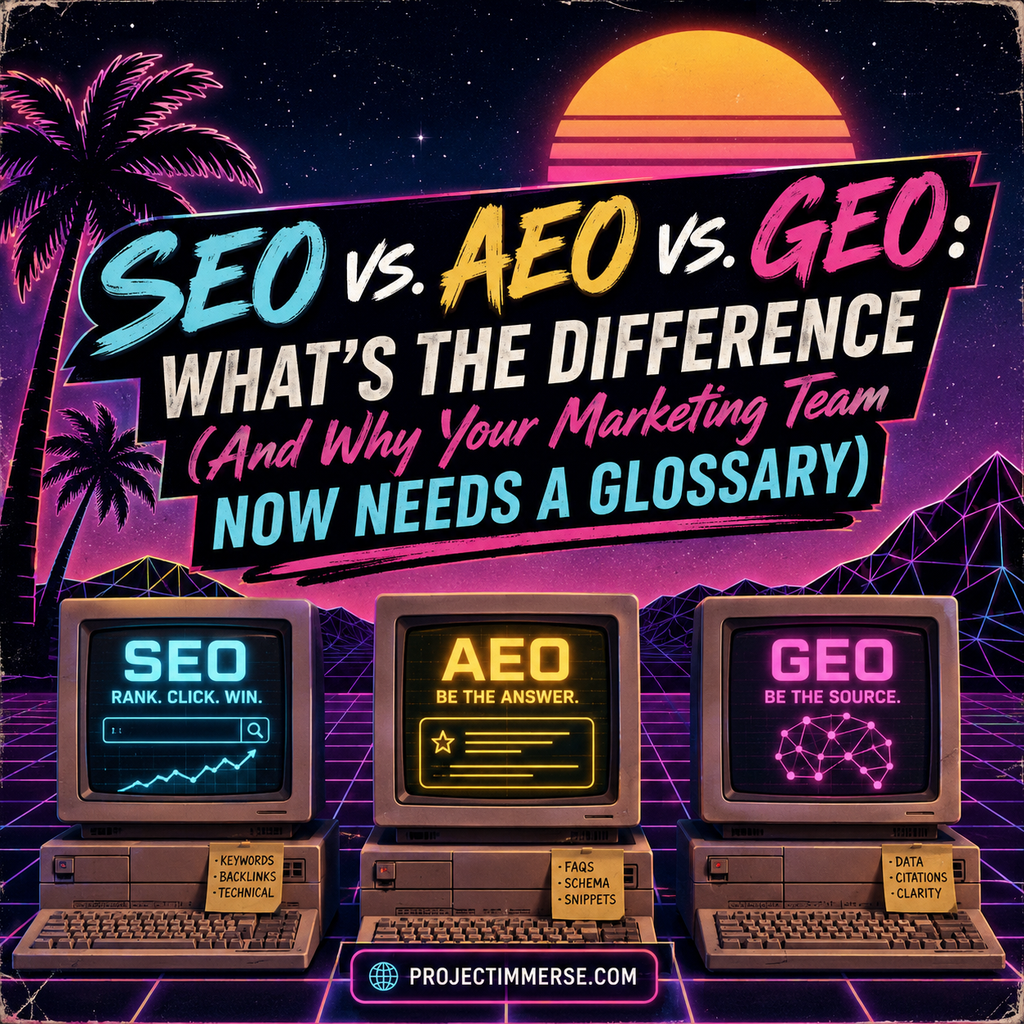
If you’ve spent any time in a marketing meeting over the past year, you’ve probably heard someone drop “GEO” into a sentence and watched half the room nod like they knew exactly what that meant. They didn’t. Nobody does — not fully, anyway. The truth is, the industry is still arguing about the definitions in real time, which is a very reassuring thing to build a strategy around.
But here’s what we do know: the way people find information is splitting into three lanes — search engines, answer engines, and generative AI — and each one plays by slightly different rules. Let’s break them down.
Continue reading “SEO vs. AEO vs. GEO: What’s the Difference (And Why Your Marketing Team Now Needs a Glossary)”